Include this script into your page along with the iframe for a responsive media embed
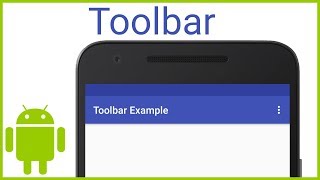
***settings menu is part 2*** Click here to watch pt2: www.youtube.com/watch?v=LD2zsCAAVXw How to customize and add your own toolbar or action bar in android studio with settings three dot menu button How to add your own toolbar in android studio How to customize toolbar action bar in android studio Step 1: Change the theme in Manifest to be NoActionBar Step 2: Create a xml Toolbar widget resource Step 3: Add toolbar to main activity Step 4: Add support for action bar in main.java Part 1: Add a Customizable Toolbar - Android Studio Tutorial In this video, I show you how to add a customizable action bar (sometimes referred to as a toolbar or appbar) for your android studio app. This series will tell you how to add a toolbar, customize it, give it a theme, and add custom buttons and titles. Thanks for watching! Hit LIKE if you enjoyed the video. And SUBSCRIBE if you enjoy this series or have suggestions for other tutorials about coding/tech