Include this script into your page along with the iframe for a responsive media embed
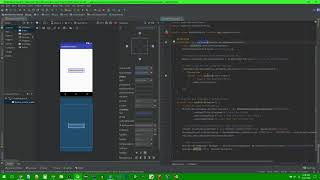
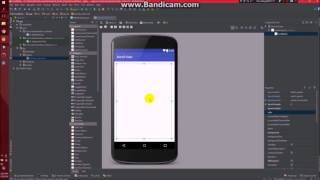
Failed to find co-ordinate LayoutStyle in current theme error in android studio nnANDROID STUDIO nRender Problem failed to find co-ordinate Layout-Stylen n1) first close the poject in which you are working on.. nn2) then go to SDK MANAGER nn3) then go to sdk tools and check show package details.nn4) check support Repositorynn5) and download them and they will be already install n i have already install them ok.nn6) start a new projectnn the problem is that empty activity works perfect but othern activities shows the same error for me (maybe not for you)n so in case if you are having the same problem in other n activities just like in my case nn7) let me select basic activity, it order to show you. nn8) see !! it shows the same render problemnn9) go to Gradle Scripts nn10) double click on build gradle ( Module: App ) nn11) change these two commands just as i did and click on SYNC NOW nn12) After SYNCING the problem will solved (RIGHT ?)


![[FIXED] Gradle Sync Failed Error Android Studio 2.3.3](https://i.ytimg.com/vi/btPk12JuZ2U/mqdefault.jpg)




![VT-x is Disabled in The Bios Android Studio. [Solved Problem] How to Enable VT-x in the Bios?](https://i.ytimg.com/vi/4Cv2Hj2PlQE/mqdefault.jpg)